Windows desktop app · v2.1.3
PixelBatch
Batch listing photos on your own PC. No upload.
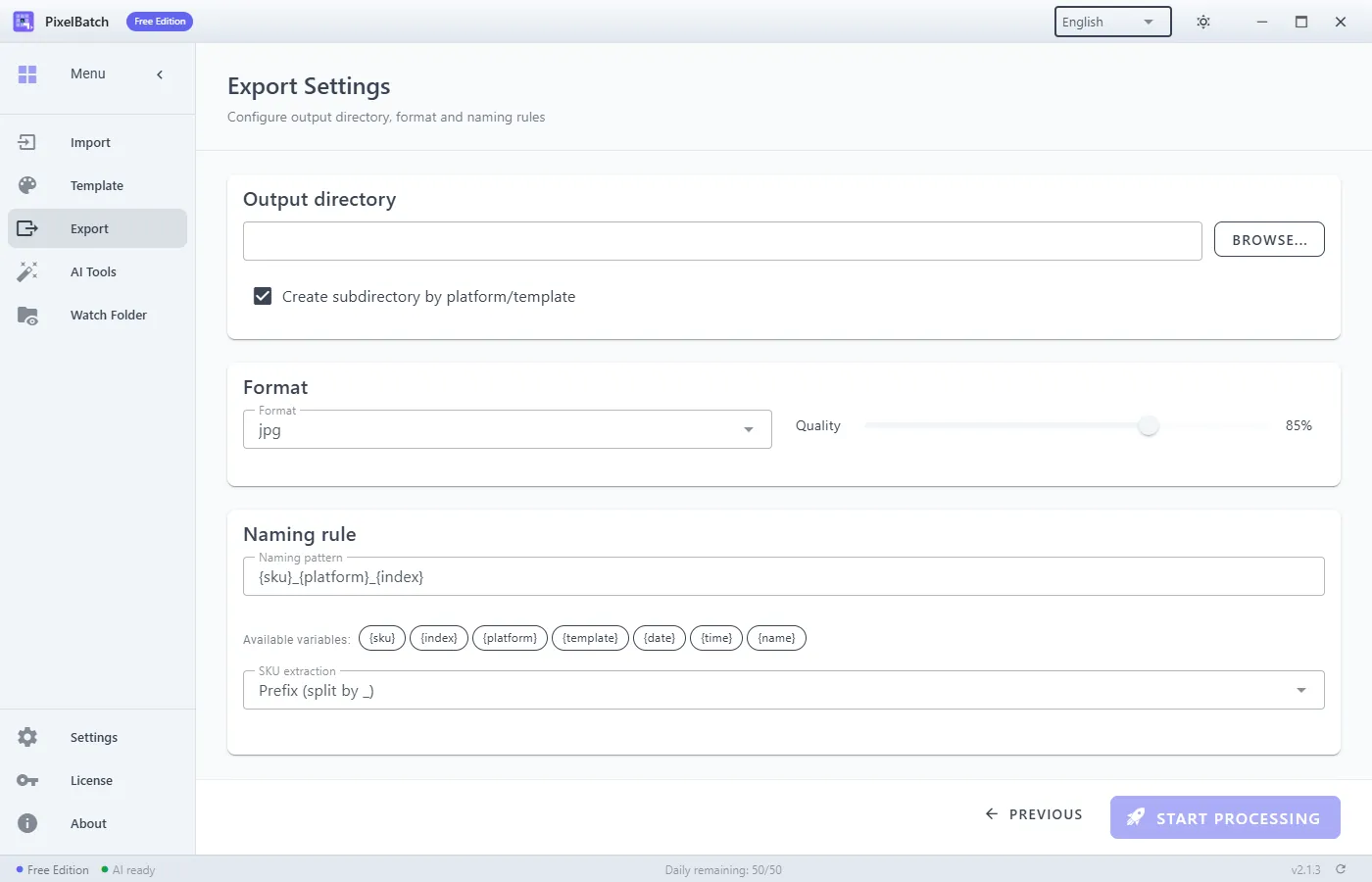
PixelBatch is a local Windows app for sellers who need listing photos in the right size, on a white or transparent background, without sending a folder to a browser tool. You import a folder, pick a platform template, optionally run local AI, and export a batch. Free use is capped at 50 images per day. Pro removes the cap and unlocks Watch Folder.
Windows installer v2.1.3. AI models (~450 MB) download inside the app after install.
What it actually does
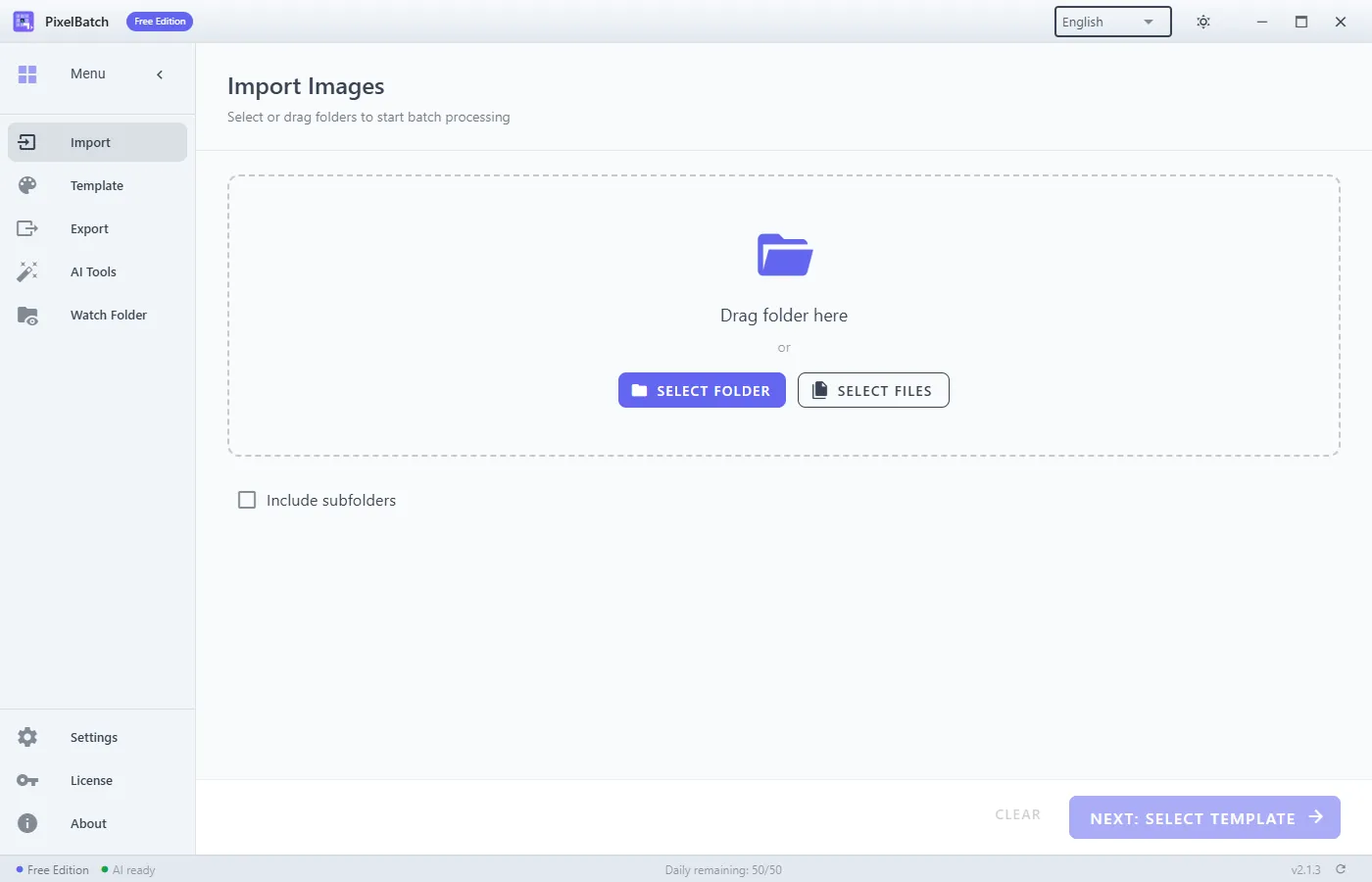
Drag a folder or pick files. JPEG, PNG, WebP, GIF (first frame), BMP. Optional subfolder scan.
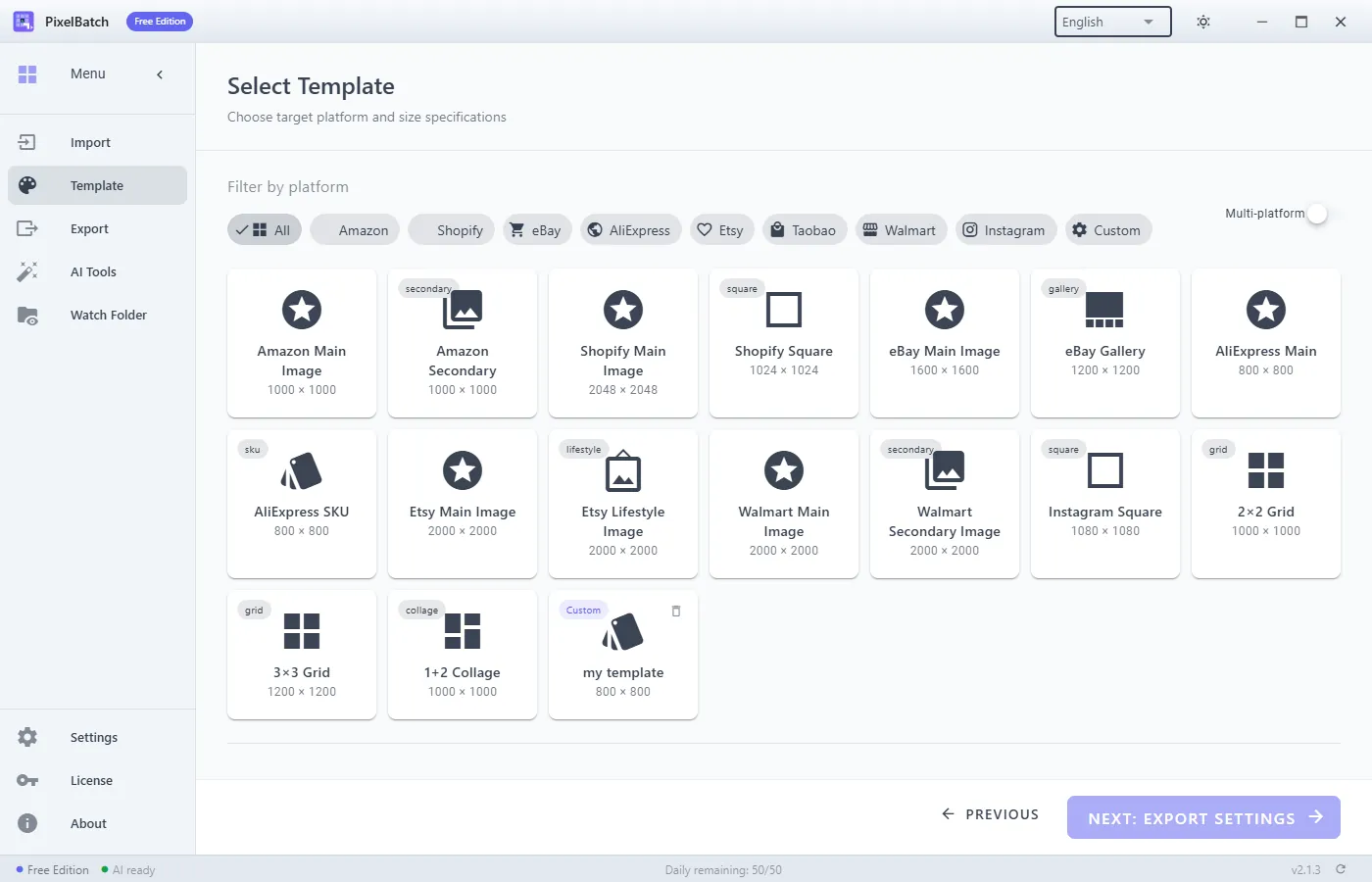
Amazon 2000×2000, Shopify 2048×2048, eBay, Instagram, AliExpress, and China marketplaces. Multi-select and per-platform tweaks.
One ~450 MB download: remove background, erase marks, upscale, smart-center, strip text watermarks. Images stay on disk.
Pro: drop new shots into a folder; PixelBatch applies a template and optional AI and writes the output folder.
Built-in canvas sizes
| Platform | Default listing size |
|---|---|
| Amazon | 2000×2000, white #FFFFFF |
| Shopify | 2048×2048 recommended |
| eBay | 1600×1600 recommended (500×500 minimum) |
| AliExpress | 800×800 JPEG |
| 1080×1080 / 1080×1350 / 1080×566 | |
| Taobao / Tmall / JD / Douyin | 800×800 main image (platform-specific detail widths) |
Templates are size references, not an affiliation with those marketplaces.
Local AI tools
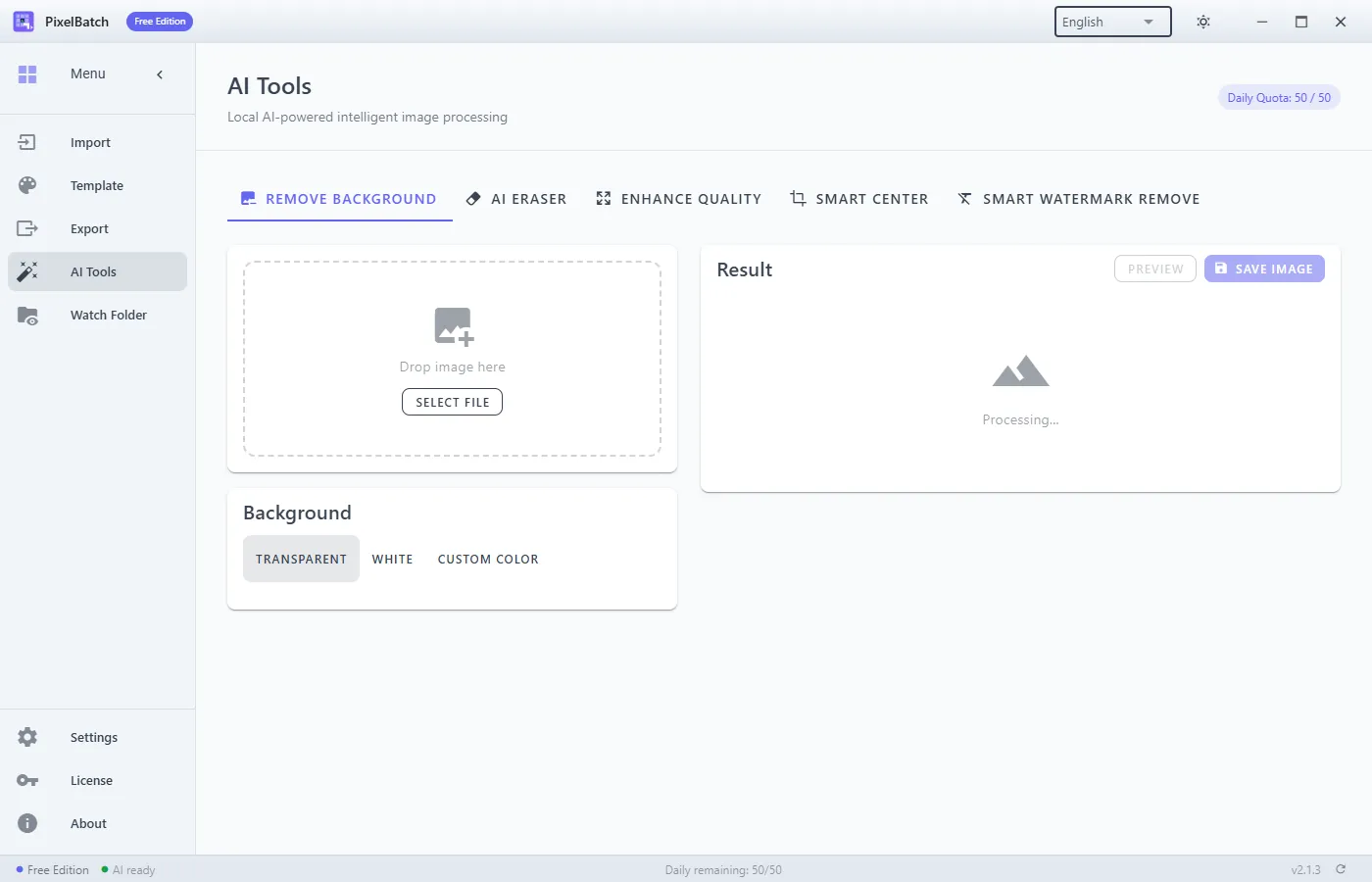
- Remove background — transparent PNG or a solid replacement color.
- AI eraser — paint a mask; LaMa inpaint fills the hole.
- Enhance quality — Real-ESRGAN upscale for soft phone shots.
- Smart center — detect the subject and pad/crop to the canvas.
- Smart watermark remove — detect text overlays and erase them.
The five ONNX models are not inside the installer. Open AI Tools after
install and download the engine once. Files land in %APPDATA%\PixelBatch\models.
Free vs Pro
| Free | Pro | |
|---|---|---|
| Batch templates + export | Yes | Yes |
| Daily image quota (all AI + batch) | 50 | Unlimited |
| Watch Folder automation | No | Yes |
| License devices | — | Typically 2 activations |
Monthly, yearly, and lifetime Pro are sold on the checkout page. Microsoft Store add-ons exist for the Store build.
Requirements
- Windows 10 64-bit (1903+) or Windows 11. WebView2 is required (Win11 includes it).
- About 500 MB for the app, plus ~2 GB free if you use AI.
- Network only for license activation and the one-time model download. Inference is local.
- macOS is mentioned in the Chinese manual as a possible build; this international page ships the Windows installer.
Manual
Guides
FAQ
Does PixelBatch upload my product photos?
No. Resize, templates, and AI all run on your Windows PC. The optional AI pack (~450 MB) downloads once, then works offline.
What can I do on the free plan?
Import folders, use platform templates, export JPEG/PNG/WebP, and run AI tools with a shared daily quota of 50 images. Watch Folder and unlimited AI require Pro.
Which platforms have size templates?
Amazon, Shopify, eBay, AliExpress, Instagram, Taobao, Tmall, JD, Pinduoduo, Douyin, WeChat mini programs, plus custom canvases.
What AI tools are included?
Background removal, AI eraser / inpaint, Real-ESRGAN upscale, smart subject center, and automatic text/watermark removal. Models stay in %APPDATA%\PixelBatch\models.