Sellers search “batch background remover” because they have a folder, not one hero shot. Browser tools want you to upload that folder. That is slow, and it is a copy of your catalog on someone else’s disk. A local ONNX cutout is slower on CPU than a $99/month API, but the files never leave the machine.
This is about product-on-plain-background photos. It is not about fashion editorials or cars in a street.
What “good enough” looks like
A usable ecommerce cutout has:
- A closed silhouette (no hole through the shoe)
- An edge that does not chew the logo
- Either a transparent PNG or a flat
#FFFFFFplate
If you sell jewelry on velvet, or cosmetics with reflections, “good enough” often still needs a human. Batch AI is for the 70% of SKUs that are a box, a bottle (opaque), a gadget, or a folded textile on a contrasting table.
Local vs upload
| Browser / SaaS | PixelBatch local pack | |
|---|---|---|
| Privacy | Files hit their API | Models in %APPDATA%\PixelBatch\models |
| Cost model | Credits / seat | App quota (50/day free) then Pro |
| Speed | Fast if their GPU | CPU-bound; GPU helps but is not required |
| Hair / glass | Often better | Weaker; expect cleanup |
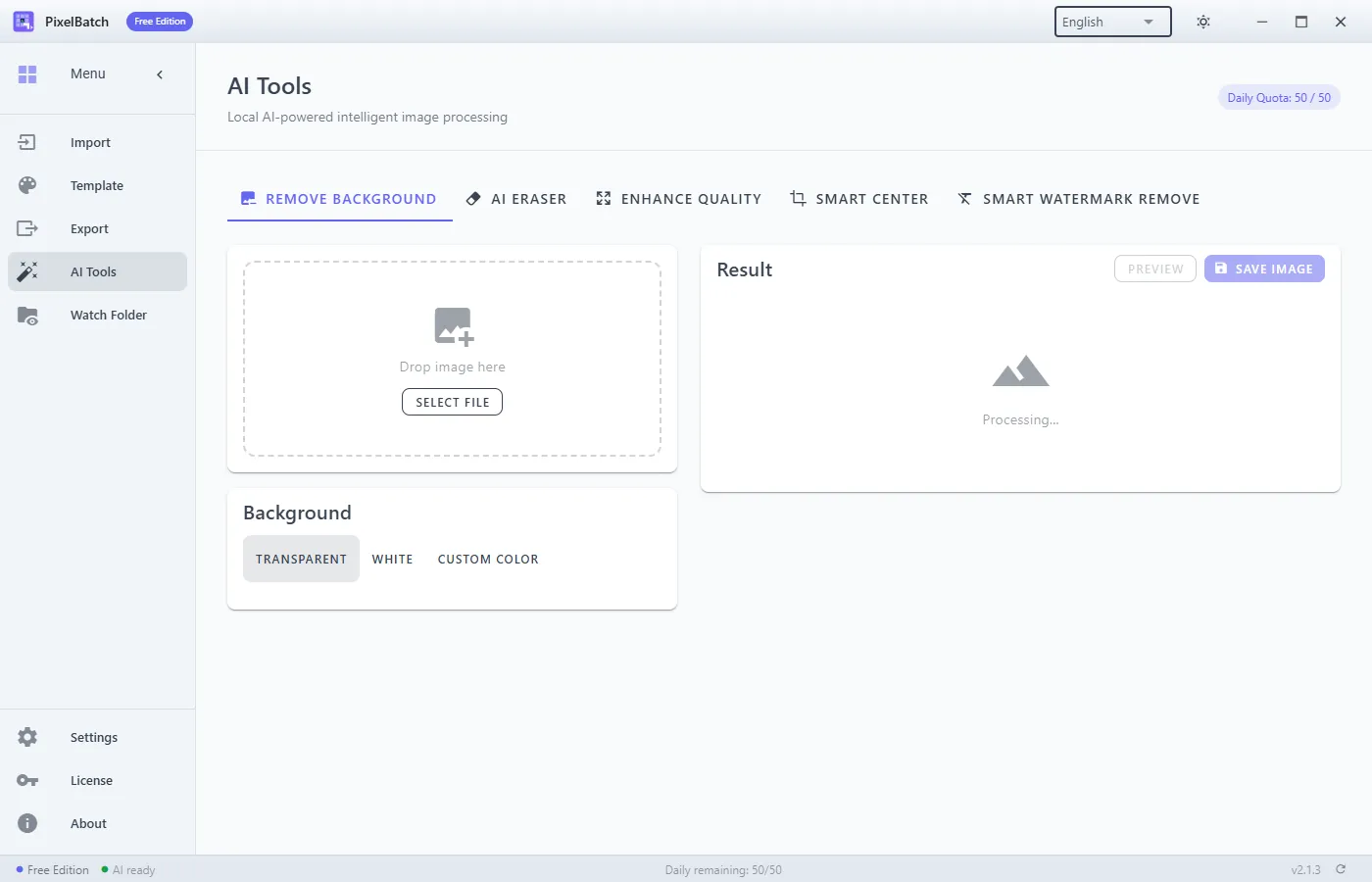
PixelBatch uses a BiRefNet-class rmbg.onnx (~200 MB of the pack). You download the engine once from AI Tools (~450 MB total with four other models). After that, Remove Background runs offline.
A folder workflow that does not lie to you
- Sort. Pull out glass, white-on-white, and group shots. Those are a separate pile.
- Install the AI pack. Wait until the app says models are ready.
- AI Tools → Remove Background in batch mode for a 10-file pilot. Check edges at 100%.
- If the pilot is clean, enable AI Remove Background on the template and run Import → Export on the rest of the pile.
- Export PNG if you need transparency; JPEG if the template already laid a white plate.
Do not run upscale and cutout in random order on huge 6000 px camera files. Longest side over ~4000 px is slow and does not help an 800 or 2000 listing. Resize or use a template scale first when you only need marketplace pixels.
Failure cases (do not “just retry”)
- White product on white paper. The model cannot see a boundary. Relight or shoot on gray.
- Clear PET bottle. You’ll get a chewed label or a missing shoulder. Manual path.
- Shadow you wanted to keep. Cutout kills contact shadows. If the marketplace wants a soft ground shadow, you add it later or don’t cut out.
- Two items, one frame. Smart center and cutout will pick one blob. Split the file.
If one file errors with “AI processing failed”, skip it. The rest of the queue can finish. Check the file is not open in another app.
Quota
Free PixelBatch shares 50 units a day across cutout, eraser, upscale, and batch. A 200-SKU drop needs Pro or several days. Watch Folder will stop on Free when the quota is gone.
What this is not
It is not a clipping-path service and not Photoshop’s refine edge. It will not keep a realistic reflection on a glossy floor. If a brand book requires a 5 mm clipping path, hire that.
For Amazon mains after a cutout, put the subject on 2000×2000 white. See the Amazon size guide.
Tooling
PixelBatch is the Windows app this site documents. The cutout is one toggle on a template, or a tab under AI Tools. Manual: AI tools.