“White background” is three different jobs:
- Shoot it white (paper, acrylic, tent).
- Cut the subject and place it on
#FFFFFF. - Lie with a levels slider until a gray wall looks “fine” on a phone.
Marketplaces want (1) or (2). (3) fails on a calibrated monitor and in Amazon zoom.
You do not need Photoshop for (2) on ordinary hard-goods. You need a decent source file and a tool that can key or segment locally.
Shoot first if you can
A $20 foam board, two cheap lamps at 45°, camera parallel to the product, fills 80% of the frame. That beats a $200/month cutout API on a dim indoor snapshot.
Still shoot on light gray if the product is white. White-on-white is the number one reason automatic cutouts puncture a carton.
Cut out when the backdrop is junk
If the photo is already taken on a wooden table:
- Run a local background remover.
- Inspect the edge at 100%.
- Composite on
#FFFFFF(Amazon) or keep PNG transparency (theme that supplies the plate).
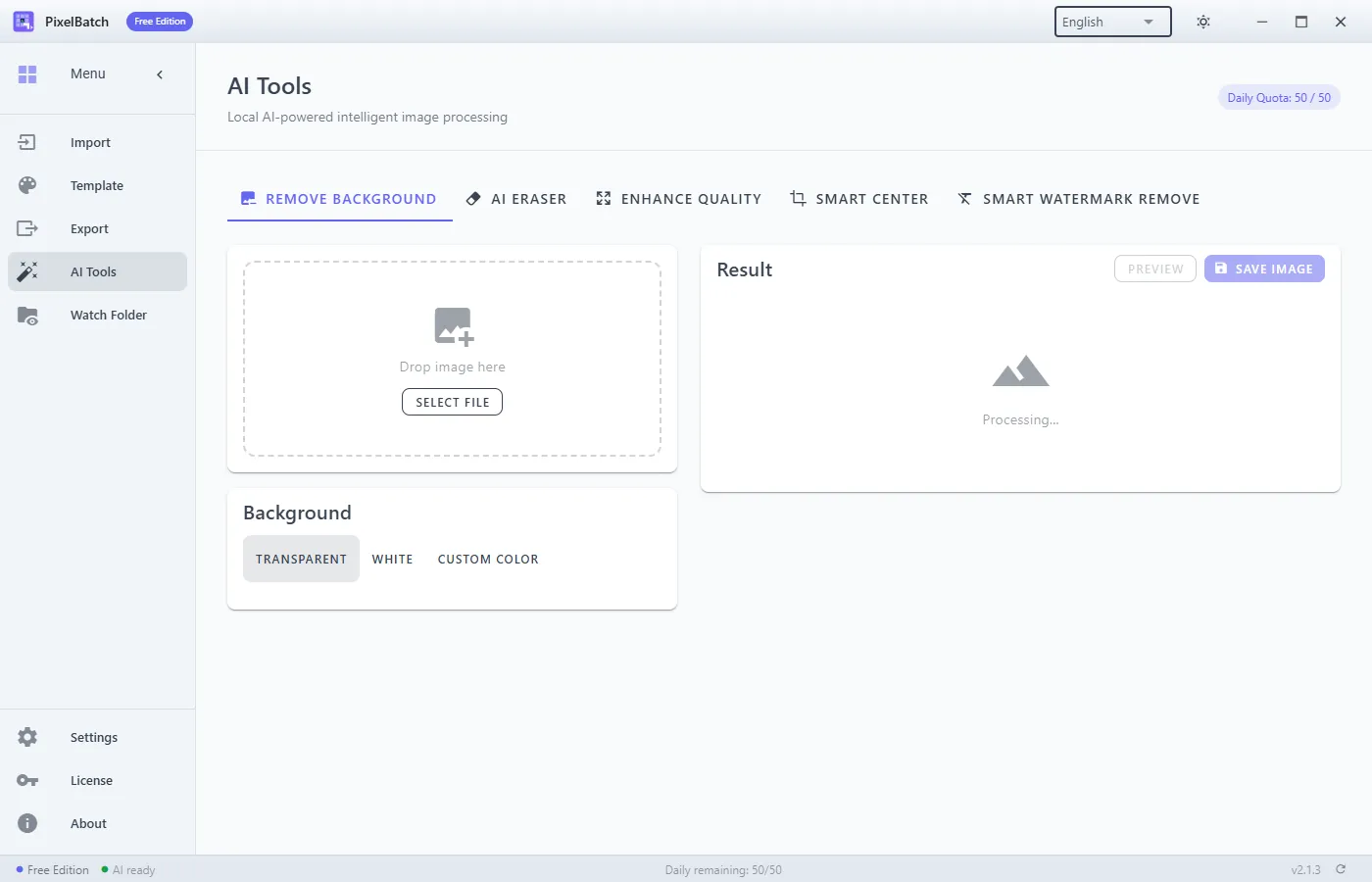
PixelBatch does this with the on-device rmbg model. Batch it after a 10-file pilot. Details: batch cutout.
Photoshop is still better for:
- Jewelry sparkle and metal edges
- Pour shots and glass
- Composite shadows the brand insists on
If those are most of your catalog, do not buy a batch app to avoid a retoucher. If they are 5% of SKUs, isolate them.
Gray that you think is white
Auto-exposure underexposes a white sweep. The file is 2000×2000 and “white” is #E8E8E8. Amazon may still accept it; it looks dirty next to a competitor who used #FFFFFF.
Fix: cutout + solid #FFFFFF, or lift the backdrop in camera. Do not slam contrast to +80 — you will crush the product.
PixelBatch path (no Photoshop)
- Import the folder.
- Template: Amazon 2000 or Shopify 2048, background solid white.
- Optional: AI Remove Background, then the white plate is guaranteed.
- Scale fit/contain, not stretch.
- Export JPEG for white plates, PNG for transparency.
Free: 50/day. Pro: unlimited + Watch Folder.
The app is not a camera. Garbage lighting in, sharper garbage out (especially if you also hit Enhance Quality).
Checklist before you upload
- Background eyedropper is
#FFFFFFin a real editor, not “looks white in a dim room” - No badge, no URL, no “free shipping”
- Product large in frame
- Filename matches the SKU you will paste into the admin