PixelBatch
AI tools
Download the five local models and what each tool can and cannot do.
Download the engine
AI is optional. Templates work without it.
- Open AI Tools.
- If you see Download AI Engine, start it. Pack size is about 450 MB.
- Wait for extract and “AI ready”. First session load is 30–60 seconds.
Models:
| File | Job |
|---|---|
rmbg.onnx |
Background removal (BiRefNet-class) |
lama.onnx |
Inpaint / eraser |
realesrgan.onnx |
Super-resolution |
yolo11n.onnx |
Subject / object detect (smart center) |
dbnet.onnx |
Text detect (watermark remove) |
They live in %APPDATA%\PixelBatch\models. If a download dies halfway, retry — the client resumes when the host supports Range. If the zip is corrupt, delete the models folder and download again.
After the pack is present, inference does not upload pixels.
Daily quota
Free: 50 successful AI/batch units per UTC day (shared). Pro: unlimited. Watch Folder events count against the same quota on Free and are blocked when it hits zero.
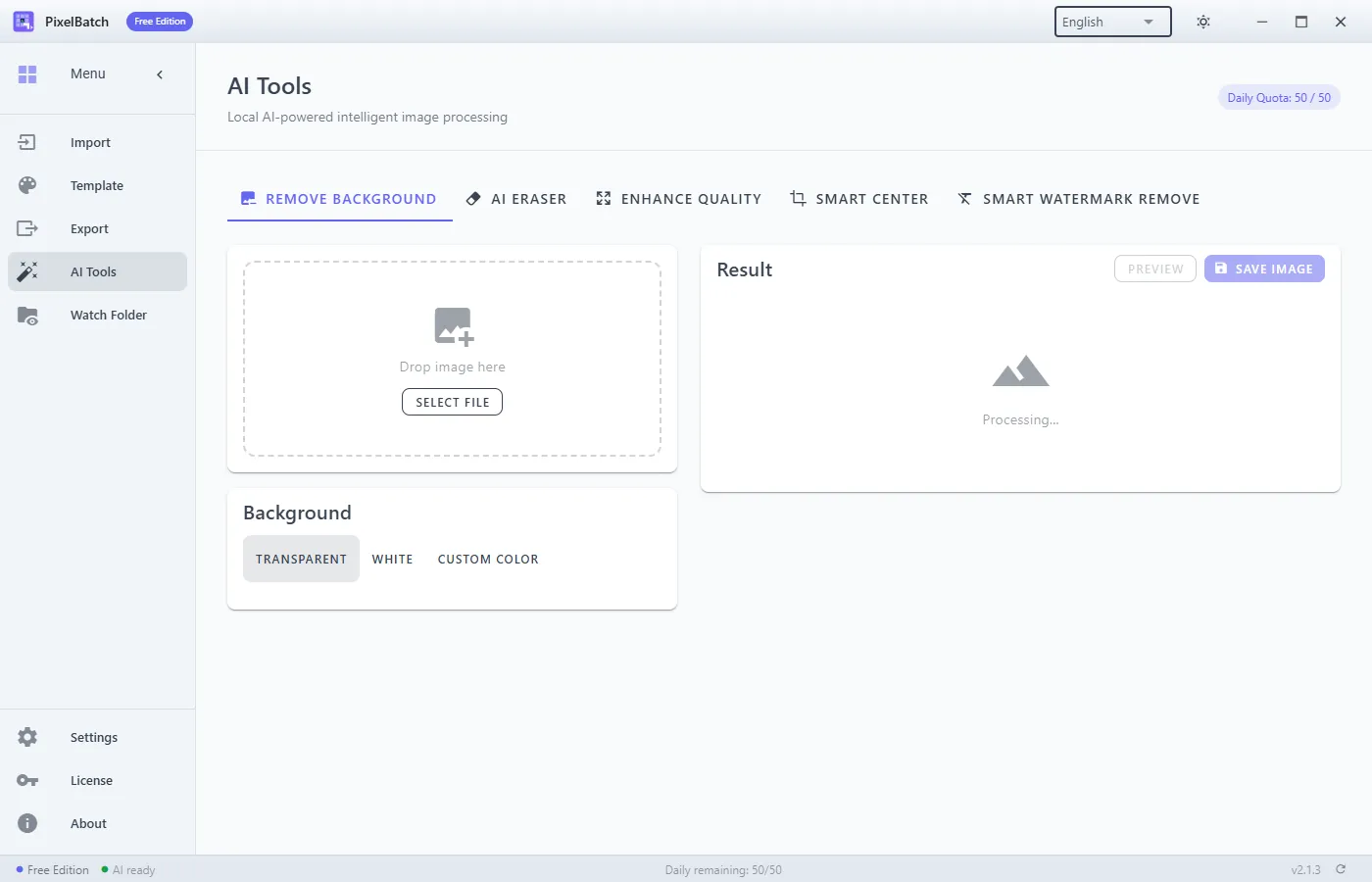
Remove background
Pick a file or use batch mode. Output: transparent or a solid color.
Works best when the product is clearly separated from the backdrop. Fur, tulle, glass, and pour shots leave crumbs. Longest side over ~4000 px is slow; shrink first if you only need an 800 or 2000 canvas.
AI eraser
Paint the region to kill (logo, prop, crease). LaMa fills from neighbors. Small isolated marks beat huge holes that eat the product.
Undo/redo applies to the mask, not to a Photoshop history.
Enhance quality
Real-ESRGAN. Use on slightly soft phone photos before a 2000 px Amazon export. It will not invent missing label text. Overscaling a 400 px thumbnail still looks like a 400 px thumbnail.
Smart center
Detects a subject, then places it on the template canvas with your padding. Weak when the frame has two equal products or a busy lifestyle scene.
Smart watermark remove
Detects text-like overlays and inpaint-erases them. Fine for a repeated corner SKU stamp. Bad for text that is part of the product (packaging copy you must keep). Review every file — false positives happen.
Failures
- Engine not installed → download from AI Tools.
- Out of quota → wait until the next day or buy Pro.
- “AI processing failed” on one file → skip it, check file lock, try a smaller resize.
PixelBatch is not a retoucher. If a marketplace rejects a cutout, fix that SKU by hand.